Welcome
GitButler lets you work on several branches at once in any Git repository, from a desktop app, a CLI, or a terminal UI.
Overview
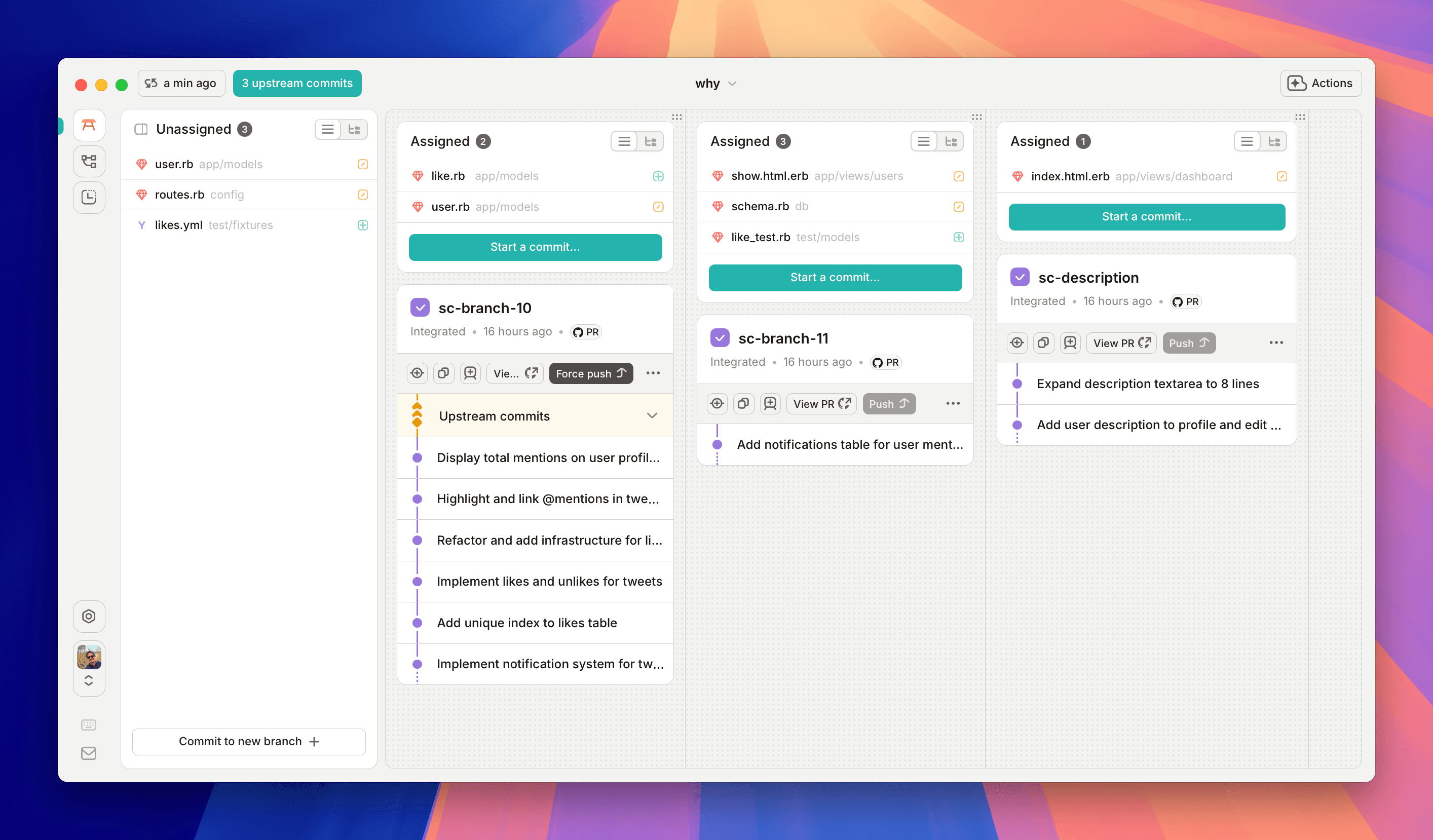
GitButler is a version control tool built on Git. It lets you work on several branches at once in one folder, and it works in any Git repository with no setup. Our focus is everything after writing code in your editor and before sharing it on GitHub.
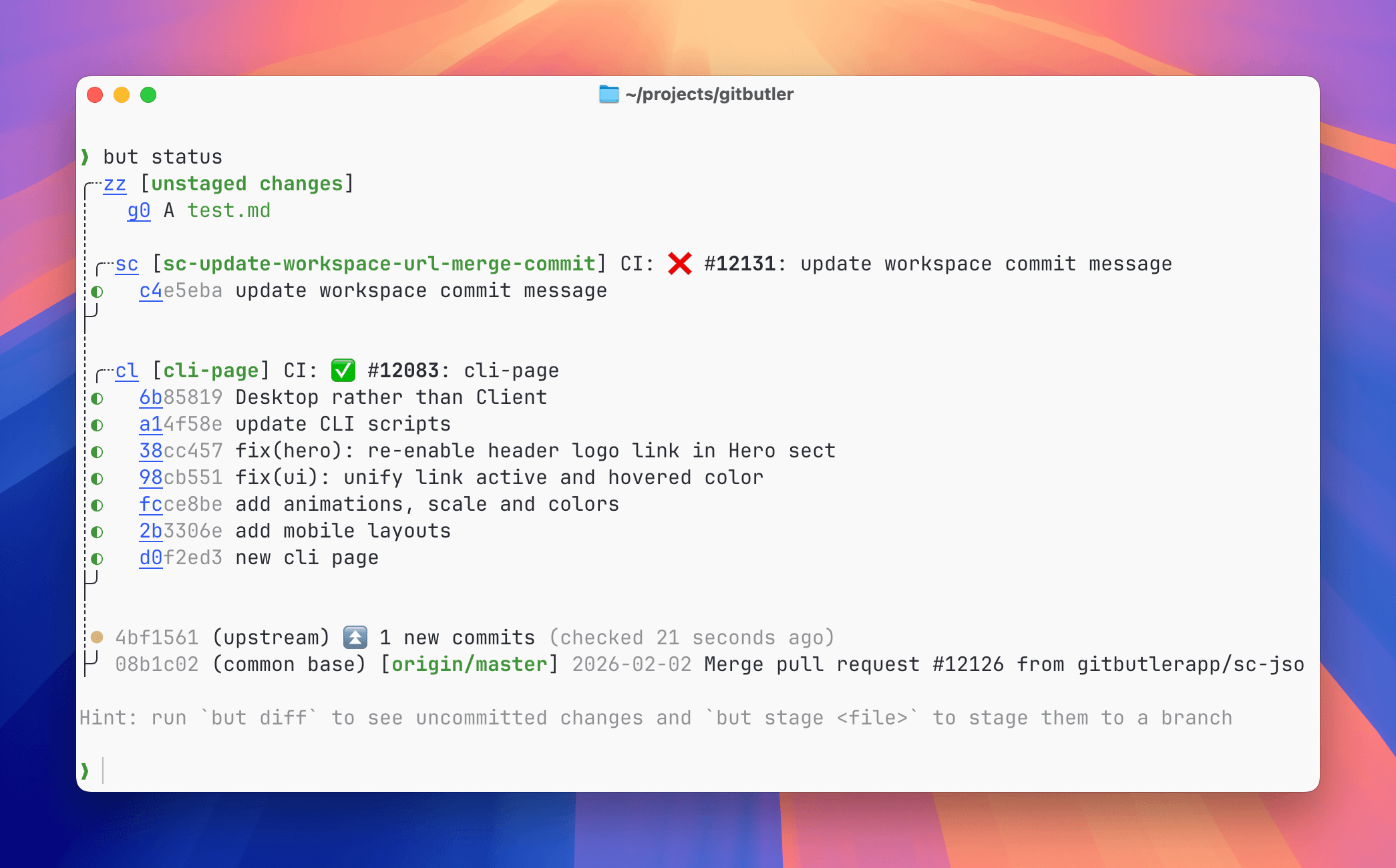
The desktop app, the CLI, and the terminal UI all work on the same repository state, and coding agents can use GitButler through the CLI.
Desktop Client
Command Line Interface
Here you will find documentation on the product and the way that we're running our beta and building our product with your help.
Getting Started
Check out our Getting started page to get started with GitButler, or check out our helpful video overview:
Why We're Doing This
Read about it over Why GitButler Section.
What We Do
With GitButler you can work on several branches at once, run several coding agents in one folder, and edit, reorder, or split commits without an interactive rebase. When a rebase hits a conflict, GitButler marks the conflicted commits and keeps going, and you resolve them one at a time. It records every operation, so you can undo any of them.
Last updated on